Skip to content
Open studio
YOUR PRIVATE ONLINE PHOTO ALBUM MAKER

Photo albums,
beautifully
made.

Create a wedding, travel, or family photo album in your browser. Arrange your photographs, personalise the pages, and download an A4 or A5 PDF.

No sign-up. Your photos stay on your device.
YOUR ALBUM, TAKING SHAPE01—03
The places we keepA collection of little discoveries.FAMILY ALBUM01
Three photographs.A story worth keeping.

A moment in focusLive preview · try it

MADE FOR REAL LIFE

Wedding days. Faraway places. The everyday in between.

A4 / A5 · PDF EXPORT
A LITTLE DIRECTION. YOUR OWN POINT OF VIEW.

Find the feeling.

Quiet and classic. Rich and atmospheric. Or something with a little history. Start with a design, then make it your own.

25 design families. 500 colour presets. 800 ways to arrange a page.Explore the studio
A PHOTO ALBUM FOR YOUR KIND OF STORY

One place for
the whole occasion.

AlbumLoom is an online photo album maker for turning your own photographs into a downloadable PDF. Build a wedding album, a travel journal, or a collection of family memories without uploading your photos.

01

Wedding photo albums

Bring the ceremony, portraits, and celebrations together in one album. Group photos from each event on a page, give a favourite portrait more room, and add names or a date to the cover. Kasavu offers paired borders inspired by Kerala textiles; Haveli adds heritage details, while Deco uses stepped geometric corners.


Explore wedding album designs
02

Travel albums and holiday journals

Arrange a trip by place, day, or the moments you want to remember. Keep a set of photographs together, mix panoramic views with smaller details, and write your own captions. Journal, Postcard, and Panorama offer different starting points for a Rajasthan journey, a weekend away, or a longer adventure.

Start a travel photo album
03

Family, baby, and anniversary albums

Collect everyday photographs alongside milestones, birthdays, and reunions. A smaller A5 album makes a compact keepsake; A4 gives group photographs more space. Save separate browser sessions for different occasions and return to an unfinished album on the same device.

Create a family album
FROM A FOLDER OF PHOTOS TO A FINISHED ALBUM

Less arranging.
More remembering.

Let the first layout fall into place. Then give the details your attention.

Start creating
01

Bring the whole story.

Add photos or a folder. Choose your page size and how many photographs belong on a page.

02

Keep the right moments together.

Put a set of photos on one page. Give a favourite more room. Try a new layout, a caption, or a softly faded background.

03

Make it yours to keep.

Download a PDF for sharing or printing. Your original images stay untouched.

THE DETAILS THAT MAKE IT YOURS

Choose a design.
Give it a texture.

Start with 25 design families and 20 colour palettes per family: 500 presets in total. Then choose a surface for your covers or the whole album. Adjust the texture strength while photographs remain clear on top.

Crumpled paper texture available for album pages and covers

Crumpled paper

Soft creases give travel pages and informal collections a paper-journal feel.

Leather texture available for album pages and covers

Leather

Fine leather grain adds a traditional album-cover finish to your PDF.

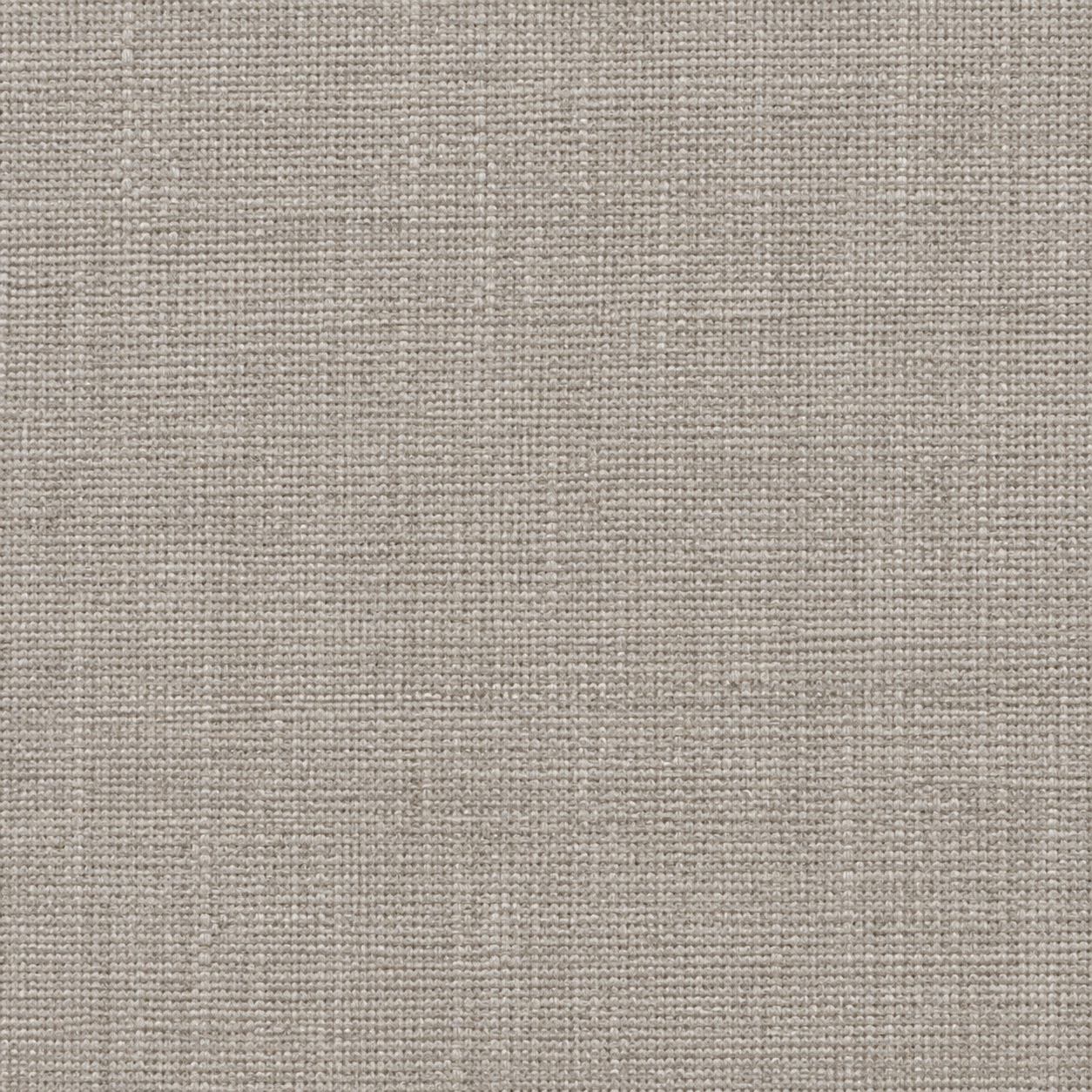
Linen texture available for album pages and covers

Linen

A woven bookcloth texture works with restrained type and simple frames.

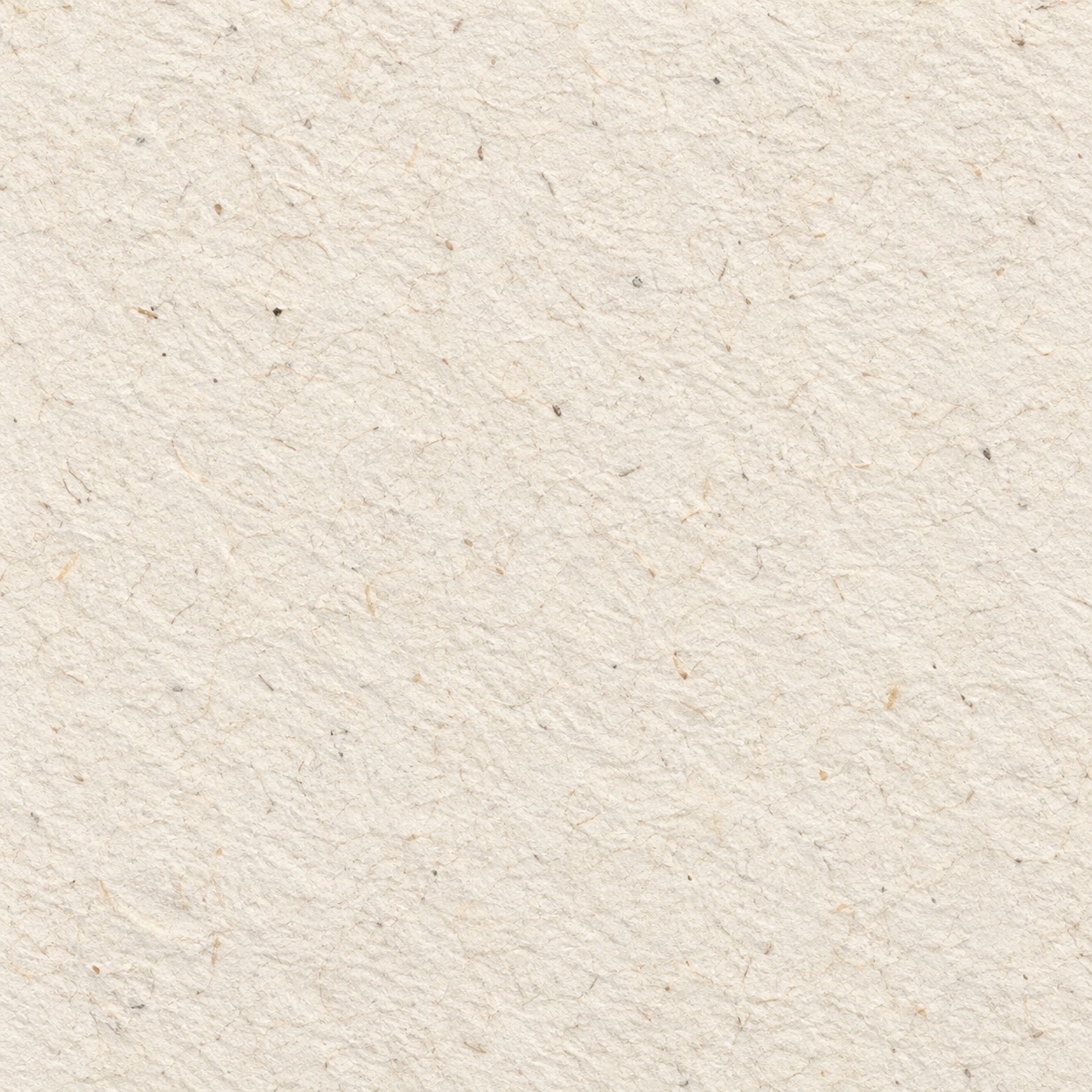
Handmade paper texture available for album pages and covers

Handmade paper

Visible cotton fibres add a natural surface to portraits and personal keepsakes.

Prefer a clean page? Choose Smooth. These are visual textures printed into the PDF; they do not specify the paper or binding supplied by a print shop.

PLAN THE PAGES. KEEP THE PHOTOGRAPHS.

From photo layouts
to a PDF album.

Choose a maximum number of photos per page, or fit your photographs into a target page count. You can change each page afterwards: move photos, feature a larger image, or try another layout.

Control which photos share a page

Use “Keep photos together” to place a selection on the current page or a new one. The visual layout picker offers 800 presets across 20 composition families, including pairs, grids, and large feature photos beside smaller images. Layouts adapt to photo proportions, so some choices look similar with only a few photographs.

Moving a photo between pages keeps a single foreground placement. Photos removed from a page go to the Unplaced tray, where you can add them back. Review the unplaced count before export to make sure the album contains everything you want.

Add covers and your own words

Front and back covers are optional, with editable text and a preview. Covers add to the photo-page count: 15 photo pages with both covers make a 17-page PDF. The small AlbumLoom credit on the back cover is optional too.

Write your own titles and captions, or start with occasion-based text suggestions. Add a faded photo background from your album or a separately imported image, and adjust white photo-frame widths to suit the page.

Choose your album size and orientation

A4 and A5 PDF album formats
FormatPortrait / landscapeA useful starting point for
A4210 × 297 mm / 297 × 210 mmWedding albums, group photographs, and pages with more detail.
A5148 × 210 mm / 210 × 148 mmCompact travel albums, family keepsakes, and smaller collections.

Download for sharing or printing

Choose sharing quality for a smaller file or print quality targeting up to 300 dpi where the working image has enough pixels. Export one PDF or split a large album into volumes of up to 25 or 50 pages. Each finished volume starts downloading automatically, with a download link available if your browser blocks it.

Before sending it to a printer

Review the PDF at its intended size, check captions and page order, and ask your printer about trim, bleed, binding, and colour requirements. AlbumLoom exports pages at the selected A4 or A5 size; it does not arrange printing or guarantee compatibility with a printer’s production template.

Build your photo album PDF
PRIVATE BY DESIGN

Personal memories.
Kept personal.

Your photographs don’t need to leave your device to become something beautiful. AlbumLoom arranges them and creates your PDF in your browser.

  • No photo uploads to our servers
  • No account needed to create an album
  • Your originals remain untouched
The details of your privacy Albums are saved in this browser. Keep your originals and export your PDF before clearing site data.
GOOD TO KNOW

A few details,
before you begin.

Do I need to upload my photos or create an account?+

No account is needed. Your browser reads the files you choose and processes your photos locally, including PDF generation. AlbumLoom does not upload your photo library to its servers.

Which photo formats can I use?+

Import JPG, PNG, WebP, and AVIF when your browser supports it. Convert HEIC photos before importing. Your source files remain unchanged; the app keeps working image copies and thumbnails in local browser storage.

Can I save multiple albums?+

Yes. New session saves your current album before starting another. Open Sessions to return to a saved album or delete one you no longer need. Session names include the cover title and creation timestamp. Sessions stay in this browser and do not sync to another device.

Can I choose which photos share a page?+

Yes. Select the photos you want to keep together, then add them to the current page or a new one. Try different layouts without breaking the group.

What can I change?+

Choose a design, page layout, paper size and orientation. Edit titles and captions, change photo frames, choose faded backgrounds, and move photos between pages.

What do I get at the end?+

A downloadable PDF in A4 or A5, portrait or landscape. You can share it or take it to a printer. Check the PDF and your printer’s requirements before ordering.

Where does my album live?+

In this browser, on this device. There is no cloud backup or cross-device sync. Clearing site data removes your saved album, so keep your originals and export your finished PDF.

Will a large photo collection work?+

Photos are processed one at a time, and large albums can export in smaller PDF volumes. Capacity depends on device memory and browser storage. Working copies are limited to 3,200 pixels on the long edge.

YOU ALREADY HAVE THE PHOTOGRAPHS.

Now, give them
a story.

Open AlbumLoom

Start with a few photos.
See where they take you.

Sample photography: sandstone pavilions, Annie Spratt and Fabian Struwe / Unsplash.